Main Features
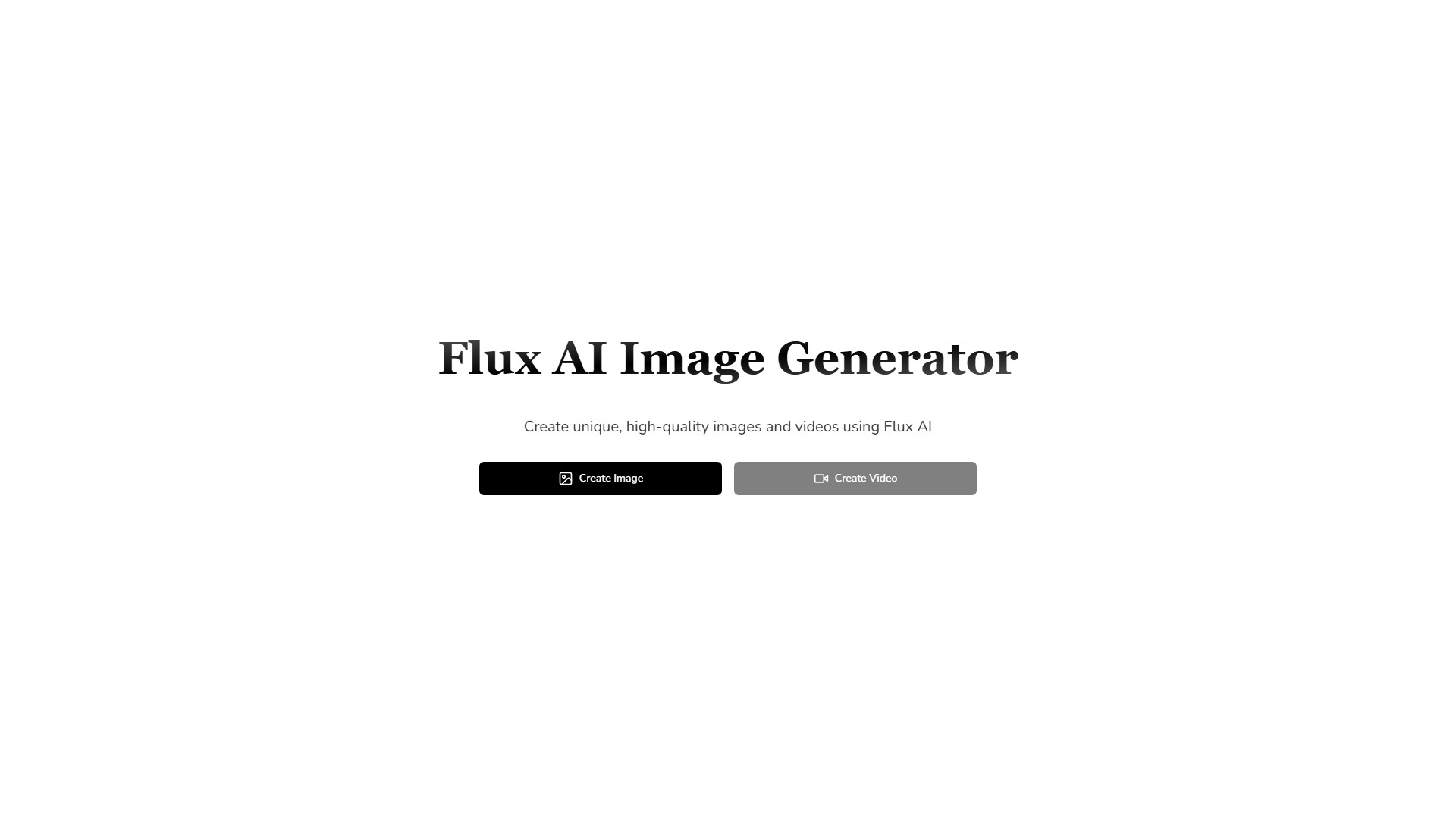
- AI Image Generator: Provides text-to-image, image-to-image, and Flux LoRA functions, creating visual works using cutting-edge technology
- AI Video Generator: Transforms ideas into engaging videos, supporting creation in multiple languages and styles
- AI Image Tools: Includes image repair, style transfer, HD upscaling and other functions
Core Features
- Advanced Text-to-Image Technology: Uses large T5 text encoder to better align images with prompts
- High Resolution Output: Creates professional-quality images at 1024x1024 resolution
- Customizable Fine-tuning: Train models on your own images with LoRA fine-tuning capabilities
- Versatile Style Generation: Various artistic styles from photorealistic portraits to Van Gogh-style paintings
- Text Integration Capability: Add text directly into generated images
- Advanced Prompt Engineering: Support dense, descriptive prompts for precise output control
Product Versions
- Flux Schnell
- Flux Dev
- Flux Pro
- Flux1.1 Pro
- Flux1.1 Pro Ultra
Target Users
Designers, creators, content producers, professional artists, startups, marketing professionals
Typical Use Cases
- Creative visual works generation
- Video content creation
- Image repair and enhancement
- Brand visual content production
- Product prototype design
FAQ
The page provides FAQs about Flux AI Image Generator, covering features introduction, feature comparison, image types, quality improvement, artistic style handling, copyright and commercial use, support help, LoRA models, etc.
- Collection Time:2025-09-16
-
Pricing Mode:
Freemium
Paid
#Image generator
#Video generator
#Image editing
#Design assistant
#Art
Freemium
Paid
Website