Main Functions
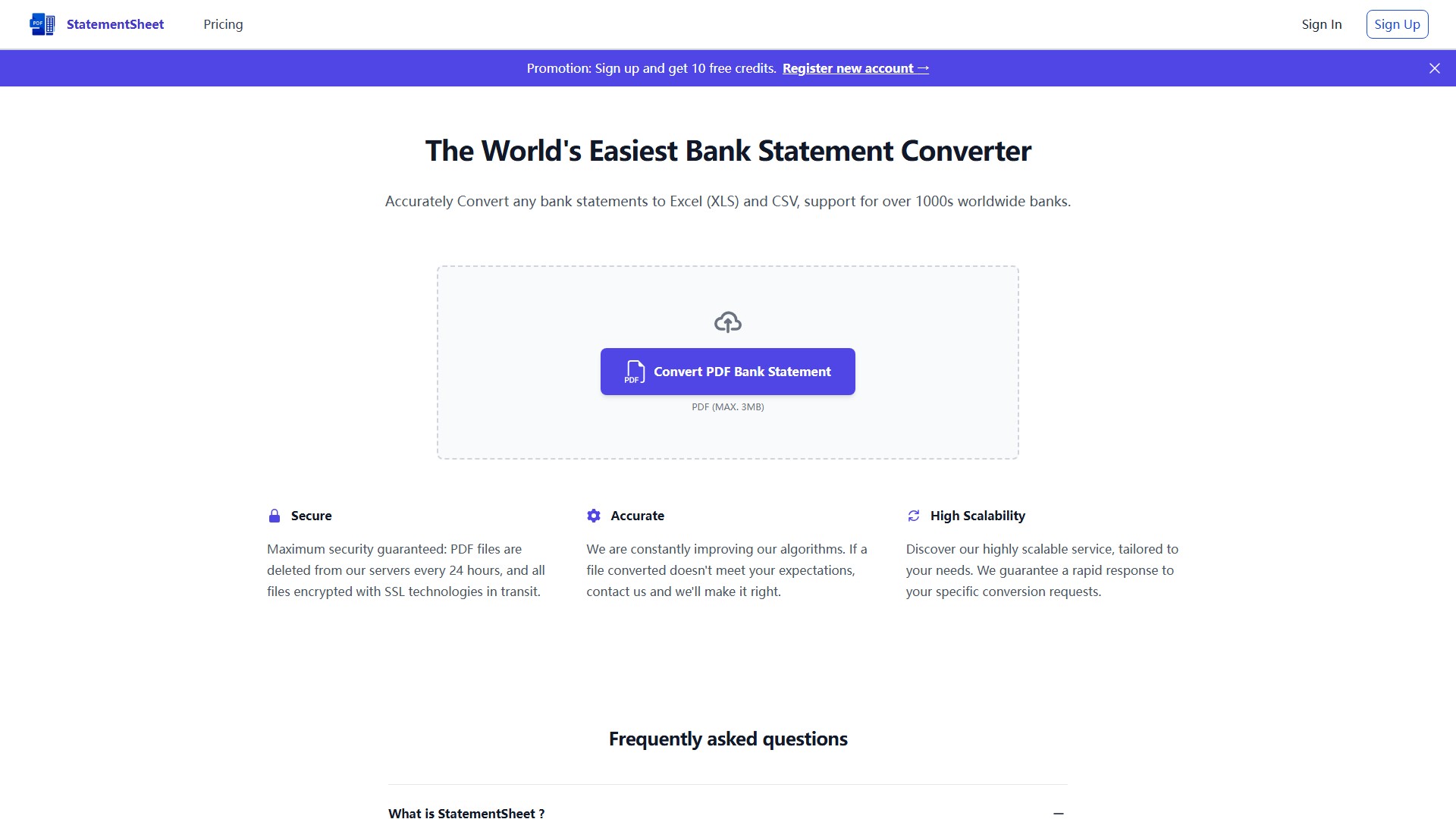
- Convert PDF bank statements to Excel (XLS) and CSV formats
- Support for over 1000s worldwide banks
- Use AI technologies and OCR to recognize and extract financial transactions
- Automatically format data into clean Excel/CSV files
Core Features
- Security: Maximum security guaranteed with PDF files deleted from servers every 24 hours and all files encrypted with SSL technologies in transit
- Accuracy: Constantly improving algorithms with commitment to make it right if conversion doesn't meet expectations
- High Scalability: Highly scalable service tailored to needs with guaranteed rapid response to specific conversion requests
Usage Process
- Click the PDF bank statement to Excel button on homepage or drag and drop file into converter area
- Select the PDF file to convert
- Check converted file and provide feedback if needed
- Click "Export" button to download converted file in Excel/CSV format
- Sign up and get 10 free credits
FAQ
- What is StatementSheet?: A powerful bank statement converter combining simplicity and accuracy for fast automatic conversion of PDF bank statements to Excel and CSV formats
- How does conversion work?: Uses many algorithms with IA technologies and OCR to recognize and extract financial transactions from any PDF bank statement
- Is my financial data secure?: Maximum security guaranteed with files deleted every 24 hours and SSL encryption
- Can I convert scanned/digitized bank statements?: Yes, supports scanned and digitized bank statements
- What to do if conversion lacks accuracy?: Contact support and they'll make it right
- Collection Time:2025-09-16
-
Pricing Mode:
Freemium
#Finance
Freemium
Website