Main Features
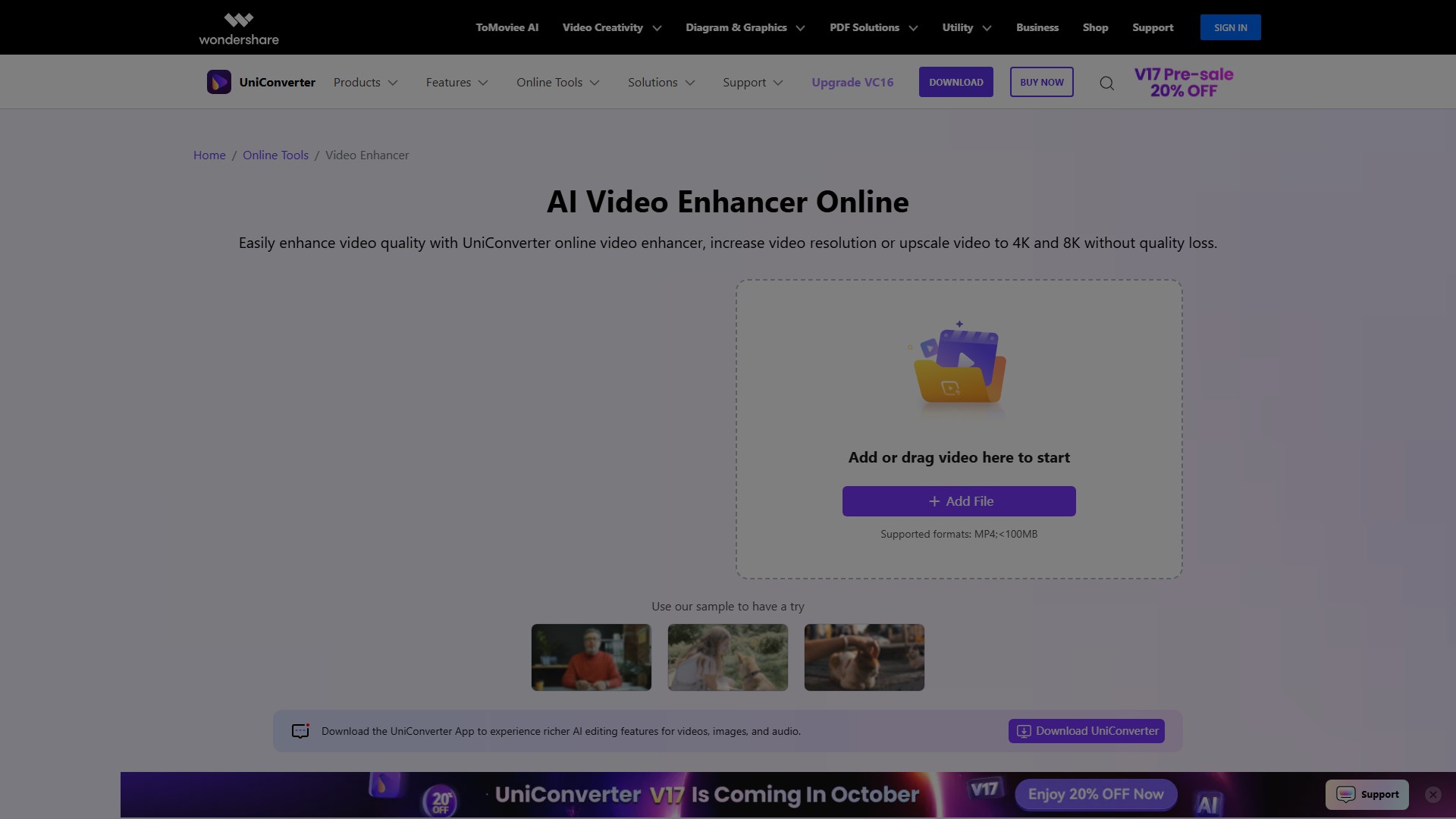
- AI Video Restoration: One-click restoration of blurry, compressed damaged old videos, restoring image clarity
- Video Denoising: Remove background noise from videos while preserving details for a clearer visual experience
- AI Video Sharpening: Eliminate motion blur and enhance video clarity
- Automated AI Upscaling: Automatically upscale resolution to 4K/8K with color correction and saturation enhancement
- AI Frame Interpolation: Boost frame rate to 240FPS, reduce video jitter, achieve smooth slow-motion effects
AI Models
- Face Enhancer: Specifically enhances facial areas, restoring HD clarity, structural details, and natural skin textures
- Anime Enhancer: Sharpens lines, enhances colors while preserving original style, upgrades DVD-era anime to 4K
- Video Restoration: Repairs visual artifacts, corrects colors, restores overall clarity
- Video Denoiser: Cleans up grainy or low-light footage, removes visual noise
- Frame Interpolation: Converts low frame rate videos up to 240FPS
Usage Process
- Select AI Video Enhancer in AI Lab
- Upload video files and choose appropriate AI model
- Preview processed results and export final video
Target Users
- Video Creators: Solve shake and blur issues during shooting
- Business Users: Enhance clarity and color saturation of product and promotional videos
- Family Users: Restore and enhance precious family videos
- Social Media Enthusiasts: Improve resolution of compressed videos, create high-quality shareable content
Core Advantages
- One-click operation, easy to use
- Multiple AI models for different needs
- Lossless quality enhancement to 4K/8K
- Batch processing capability
- Both online and desktop support
MP4 format, file size less than 100MB (online version)
Pricing Model
Free trial available, full features require purchase of paid version
- 수집 시간:2025-09-16
-
가격 모델:
Free Trial
Paid
#비디오 편집
#맞춤형 비디오
Free Trial
Paid
Website
App
Windows
MacOS